What Is Claude (and What Can It Actually Do for Developers)?
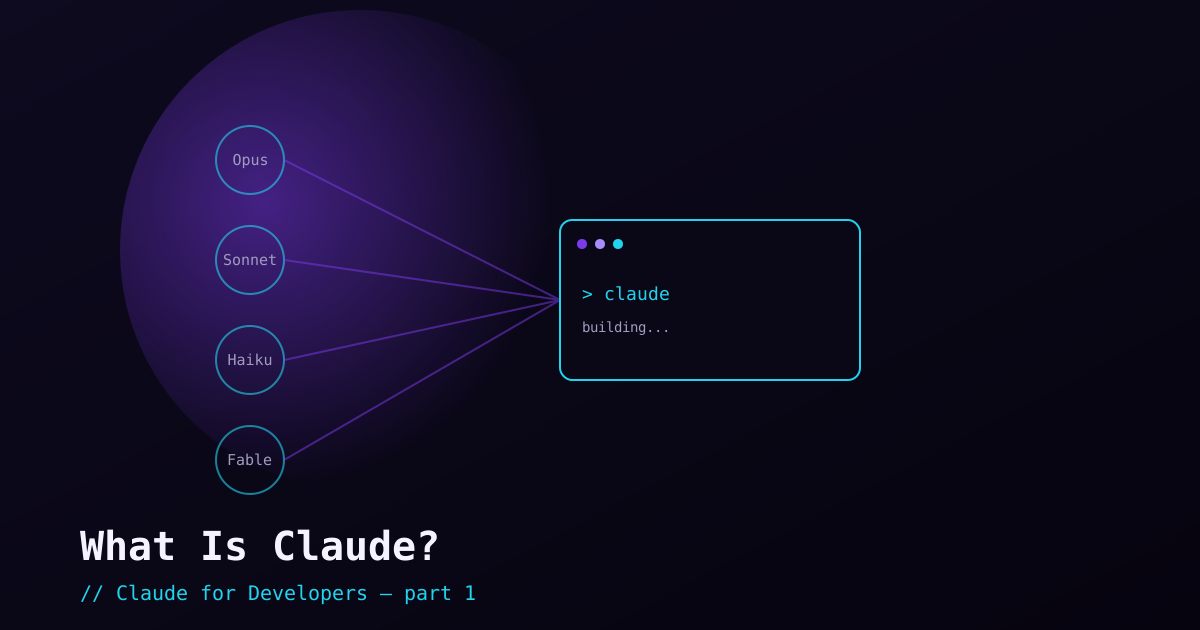
If you have only seen Claude as a chat box, you are looking at the smallest part of it. For a developer, Claude is two things worth keeping separate in your head: a family of AI models you can talk to or call from code, and Claude Code, a command-line tool that turns those models into an agent that reads, writes, and runs code in your actual project. This post explains the first part and how it connects to the second — so the rest of the series has solid ground to stand on.
Claude the model vs. Claude Code the tool#
These names get used interchangeably, and that causes confusion early. Keep them distinct:
- Claude (the model) — the underlying AI made by Anthropic. You reach it through the Claude app, the claude.ai website, or the developer API. It reads text and images and produces text.
- Claude Code (the tool) — a CLI (and IDE extension) that *uses* a Claude model as the engine for an agent that works inside your codebase: running commands, editing files, searching, and calling external tools. This series is mostly about Claude Code.
A useful analogy: the model is the engine, and Claude Code is the car built around it — steering, pedals, and a dashboard that let you actually drive somewhere. You can use the engine on its own (the API), but most developer work happens in the car.
The model family — and why there is more than one#
Anthropic ships several models at once because tasks differ in how much horsepower they need. As of mid-2026 the lineup you will actually pick between looks like this:
- Opus — the most capable tier, built for hard reasoning and long, multi-step coding work.
Opus 4.8is the current flagship. This is the default for serious development. - Sonnet — the balance of speed, cost, and intelligence. Great for most everyday tasks where you want fast turnaround.
- Haiku — the fastest and cheapest, for simple, high-volume, or latency-sensitive tasks.
- Fable 5 — Anthropic’s most capable model overall, aimed at the very hardest reasoning and long-horizon agentic work. You reach for it deliberately, not by default.
One number worth knowing: the context window — how much text the model can consider at once. The current Claude models offer very large windows (up to roughly a million tokens on the top tiers), which in practice means Claude Code can hold a lot of your codebase in mind during a single task. We will come back to context — managing it well is a real skill — later in the series.
What Claude is genuinely good at#
Hype aside, here is where Claude earns its place in a developer’s toolkit. These are the strengths the rest of the series will lean on:
- Writing and editing code — implementing features, fixing bugs, and refactoring across multiple files, not just single snippets.
- Reading and explaining a codebase — answering "where does X happen?" and "why is this here?" by actually searching the files.
- Long-horizon, multi-step work — planning a task, executing it step by step, checking its own output, and adjusting. This is what makes it an *agent*, not just autocomplete.
- Reasoning through problems — debugging, comparing approaches, and explaining trade-offs in plain language.
- Working with images — reading screenshots, diagrams, and design mockups as input.
- Calling tools — running your tests, querying a database, or hitting an API as part of completing a task (you will see this with MCP and hooks later).
What it is not#
Setting expectations now saves frustration later:
- It is not infallible. It can be confidently wrong. You stay the engineer — review its changes the way you would review a teammate’s pull request.
- It is not a replacement for understanding your own system. It works best when you can judge whether its output is correct.
- It does not act without permission by default. Claude Code asks before doing anything risky — and you control exactly how much it can do on its own. We cover that in the permissions post.
Two ways to use Claude as a developer#
There are two distinct entry points, and this series focuses on the first:
- Claude Code (CLI / IDE) — the agentic tool you run in your terminal or editor to work on real projects. This is where most of the series lives, starting with installation in post 3.
- The Claude API — calling the model from your own application code to *build* AI-powered features into your software. A separate topic; we will point at it but not go deep here.
What’s next#
Now you know what Claude is, how the model family differs, and where it actually helps. The next post covers what to learn before you start — the handful of tools and concepts (terminal, Git, an editor, an account) you want in place so installation in post 3 goes smoothly. Then we install Claude Code and run our first real task.