Troubleshooting Claude Code
Most Claude Code problems fall into a few buckets: installation, authentication, permissions, configuration, and context. The good news is that the same handful of diagnostic tools resolves the large majority of them. Here is a practical map.
Your first move: claude doctor#
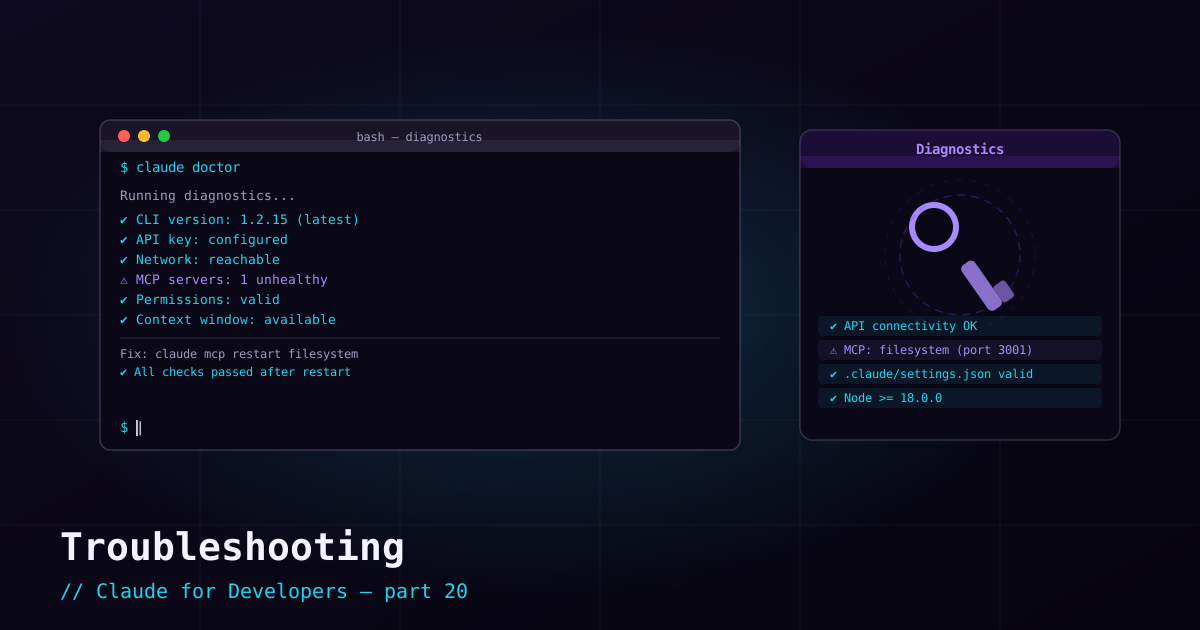
When anything seems off, start here. It runs a health check across your install, config, auth, and connectivity and points at what is wrong:
claude doctorPair it with /status (inside a session) to confirm which auth method and model are actually active — a surprising number of "weird behavior" reports are just an unexpected model or account.
Installation problems#
- `claude: command not found` right after install — your terminal has a stale PATH. Close and reopen the terminal, then retry
claude --version. - Windows: `irm is not recognized` — you ran the PowerShell installer in CMD. Open PowerShell and use the PowerShell command.
- npm install fails — check
node --version(the npm route needs a recent Node). Or switch to the native installer, which does not need Node at all. - Stuck on an old version — package-manager installs do not auto-update; upgrade explicitly (e.g.
brew upgrade,winget upgrade, ornpm install -g @anthropic-ai/claude-code@latest).
Authentication problems#
- Browser never opens at login — press
cto copy the login URL, open it manually, and paste the code back into the terminal. - "No access" despite logging in — you are likely on a free account; Claude Code needs a paid subscription or Console (API) access.
- Authenticated as the wrong account / using the wrong key — a stray
ANTHROPIC_API_KEYin your environment can override your subscription login. Unset it (unset ANTHROPIC_API_KEY) to fall back, or use/loginto switch accounts. - Need to re-auth —
/loginand/logoutinside a session.
Permission and config problems#
- Claude keeps asking about a safe command — add it to your
allowrules (/permissions), as in post 5. - Claude refuses something you want allowed — check your
denyrules and any managed (enterprise) policy that may override your settings. - A setting will not take effect — remember the layering: local overrides project overrides user, and a managed policy overrides all. Check the same key in the other
settings.jsonfiles. - A hook is misbehaving — hooks run your own scripts; test the script directly, and temporarily disable the hook in settings to isolate the issue.
Behavior and context problems#
- Claude seems to have "forgotten" earlier context — long sessions get summarized as context fills. Check
/context; start a fresh/clearfor a new task. - Responses feel off-target or low-quality — try a more capable model (
/model) or raise effort (/effort); make sure your request is specific. - Claude is not following a rule you set — confirm it is actually in a loaded memory file (
/memory), and that a higher-precedence file is not contradicting it. - It will not stop / went the wrong way —
Ctrl+Cto interrupt and redirect; rewind file changes with double-Escif needed (post 16).
Digging deeper: /debug and the docs#
For stubborn issues, /debug enables more verbose diagnostics so you can see what Claude Code is doing under the hood. And because the tool evolves quickly, the official docs at code.claude.com/docs are the authority when a command or behavior does not match what you expected.
What’s next#
You now know the whole toolkit — and how to fix it when it misbehaves. The final post ties it all together: building a real project end-to-end with Claude Code, using memory, skills, subagents, and the workflows from this series.