Cost, Usage & Choosing the Right Model
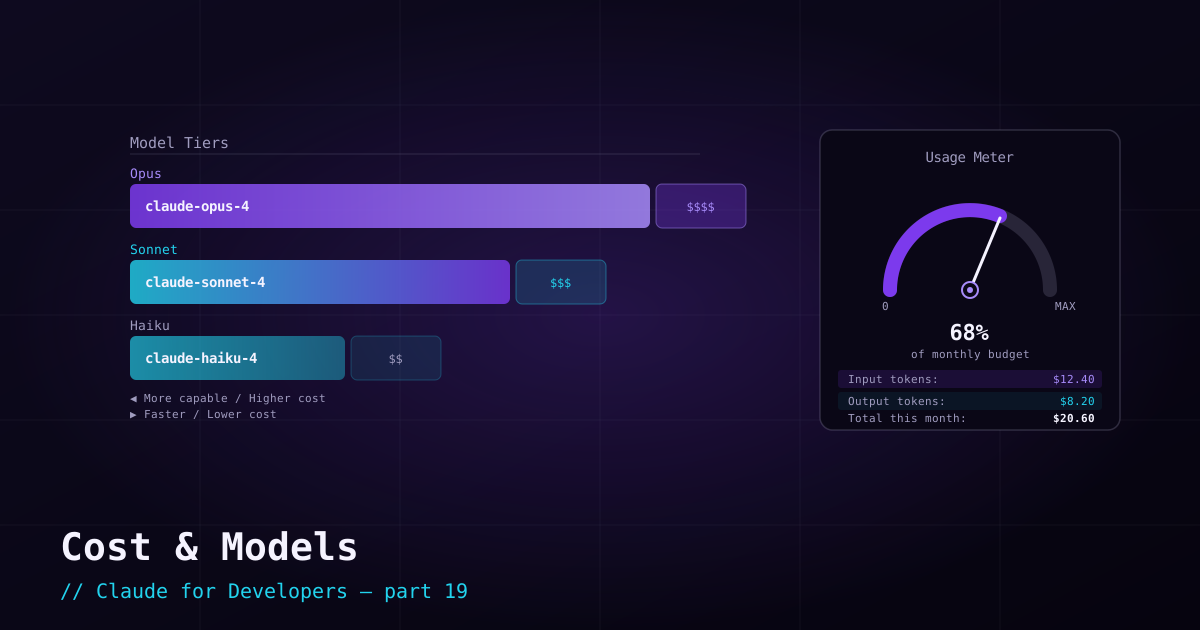
Claude Code is genuinely capable, and the natural worry is cost. The good news: you are not flying blind. You can see usage as you go, switch between cheaper and more powerful models per task, and dial the effort up or down. A little awareness here saves a lot of money without hurting your results.
Seeing what you spend#
Two commands keep you informed inside a session:
/usage— your token usage and cost for the session./status— your current auth method and active model (so you always know which engine you are paying for).
If you are on a subscription, much of this is covered by your plan rather than billed per token — but the same habits (right model, clean context) keep you within your limits and keep responses snappy.
Choosing a model#
Recall the family from post 1. Match the model to the task:
- Opus — the most capable tier. Use it for hard reasoning, large refactors, and gnarly debugging where quality matters most.
- Sonnet — balanced speed and intelligence. A great everyday default for routine coding and questions.
- Haiku — fastest and cheapest. Ideal for simple, high-volume, or latency-sensitive tasks.
Switch any time with /model. A practical rhythm: use a mid or fast model for routine work, and bump up to the most capable model when you hit something genuinely hard. You do not have to pick one for everything.
Effort: how hard to think#
Beyond the model, you can control how much reasoning Claude puts in via an effort level (/effort, with levels from low up to the maximum). Higher effort means deeper thinking — better on hard problems, but more tokens and latency. Lower effort is faster and cheaper for routine work. Tuning effort is often a better lever than switching models: keep a capable model but drop the effort for simple tasks.
Fast mode#
Claude Code also offers a fast mode that trades some latency for speed (and cost), available on the top models. When you want quicker turnaround on interactive work and do not need maximum deliberation, it is a handy toggle. Combine it with model and effort choices to find your preferred balance.
Habits that keep cost down#
- Clear context between unrelated tasks (
/clear) — a smaller context is cheaper and keeps Claude focused. - Keep `CLAUDE.md` focused — it is loaded every session; trim what does not earn its place.
- Right-size the model — do not run everything on the heaviest model out of habit.
- Lower effort for routine work — save the deep thinking for hard problems.
- Bound automation — in scripts and CI, cap turns and set a budget so a runaway loop cannot rack up cost.
What’s next#
You can now run Claude Code efficiently. When something goes wrong — and eventually it will — the next post is your map: troubleshooting common setup, auth, and permission problems.