Plan Mode, Checkpoints & Background Tasks
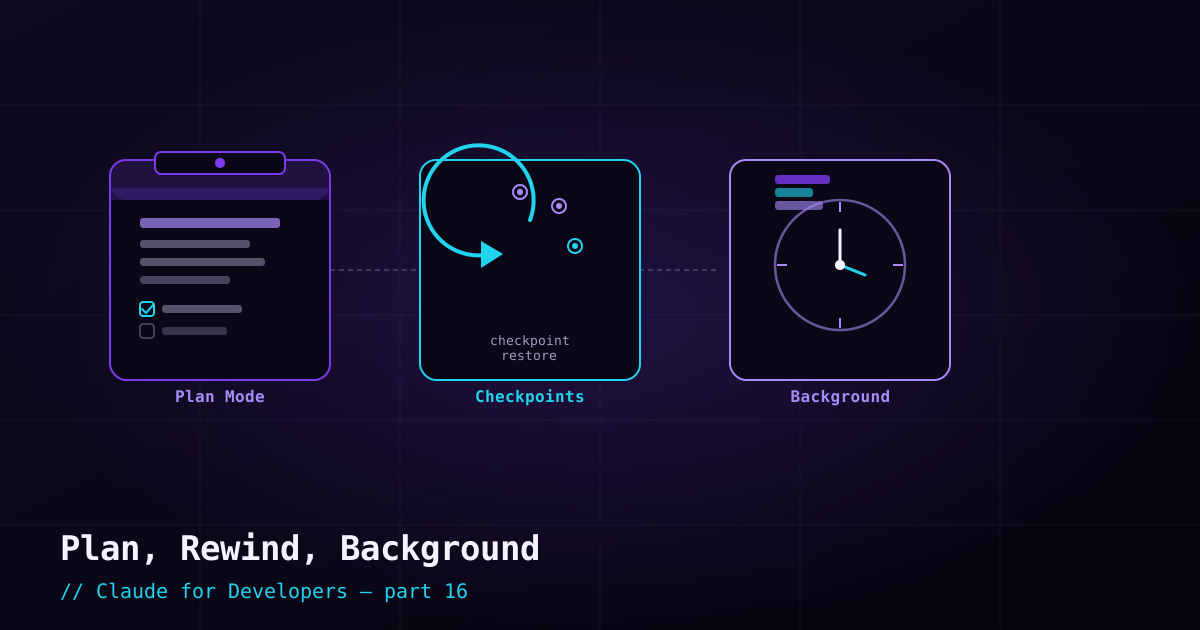
Git protects you *across* sessions. These three built-in features protect and accelerate you *within* a session: plan mode lets you see a plan before any change, checkpoints let you rewind, and background tasks let you run work without tying up your terminal.
Plan mode: look before you leap#
In plan mode, Claude can read and explore but cannot edit files. It investigates the task and presents a plan — the steps it intends to take — and waits for your approval before touching anything. You review, adjust, and only then let it implement.
Enter plan mode by cycling permission modes with `Shift+Tab` (or start a session in plan mode from the command line). It is ideal for:
- Unfamiliar or risky changes where you want to vet the approach first.
- Large tasks where a wrong direction would waste a lot of work.
- Learning — seeing *how* Claude would approach something before it does it.
Checkpoints: rewind within a session#
Claude Code automatically snapshots your files as it edits, so you can rewind to an earlier point in the session — undoing file changes without manually reverting each one. In the CLI, pressing `Esc` twice opens the rewind options.
When you rewind, you typically choose what to restore:
- Rewind the code — revert file edits back to an earlier snapshot, while keeping the conversation.
- Fork the conversation — go back to an earlier point in the chat and take a different direction.
- Both — reset code and conversation together.
Background tasks: keep working while it works#
Some work takes a while — a long test suite, a build, a big migration. Background tasks let that run without freezing your session, so you can keep giving Claude other instructions. This is especially handy for long-running commands Claude kicks off: they run in the background and you (and Claude) can check on them rather than waiting at a blocked prompt.
The exact mechanics (keys and commands for sending to background and reattaching) have evolved as Claude Code has added a richer multi-session/agent view, so check the current docs for specifics. The concept to take away: long work does not have to block you — Claude Code is built to run things in the background and report back.
How they fit together#
- Plan mode — decide *before* acting (prevention).
- Checkpoints — undo *after* acting, within the session (recovery).
- Background tasks — stay productive *during* long work (throughput).
- Git — the durable safety net *across* sessions (the backstop behind all three).
What’s next#
We have been living in the terminal. Next we bring Claude Code into your editor with the VS Code and JetBrains integrations — inline diffs, a click-to-launch panel, and tighter feedback loops.