Git Workflows with Claude Code
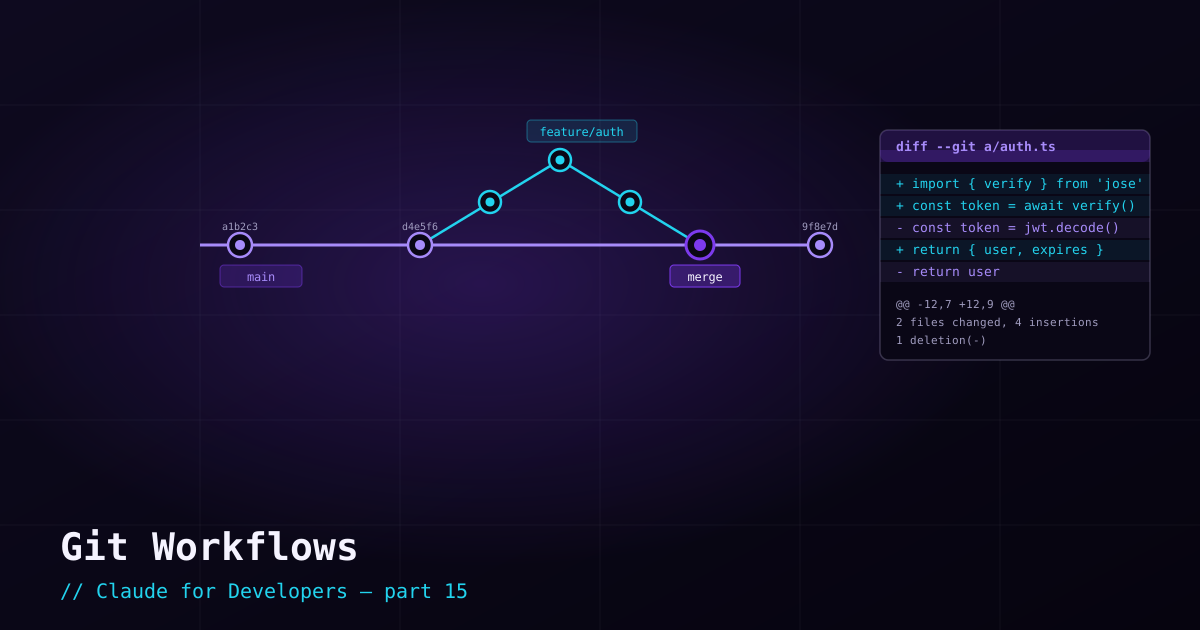
Git and Claude Code are a natural pair. Git gives you a reviewable history and a perfect undo; Claude can do the mechanical Git work for you. Used together, you get speed without losing control: Claude moves fast, and every change passes through a checkpoint you can inspect and revert.
The golden rule: commit before, review after#
This is the workflow that makes everything else safe:
- Start clean — commit (or stash) your current work so the tree is clean before Claude makes changes.
- Let Claude work — give it the task and let it edit.
- Review the diff — run
git diff(or use your editor’s diff view) and read exactly what changed. This is the most important habit in the whole series. - Commit or revert — keep what is good;
git restoreanything you do not want.
Let Claude handle commits#
Writing good commit messages is exactly the kind of chore Claude is good at — it can read the diff and summarize the intent. Just ask:
commit these changes with a clear messageClaude inspects the staged changes, writes a descriptive message, and commits. You can guide the style — "use conventional commits," "keep the subject under 50 characters" — or, better, put that convention in your CLAUDE.md so it applies every time.
Branches for safe experiments#
For anything substantial, work on a branch. It isolates the experiment so your main branch stays clean, and discarding a failed attempt is as simple as deleting the branch. Ask Claude to set it up:
create a branch for this feature, then implement itCode review — both directions#
Claude Code helps with review in two ways:
- It reviews code for you — "review my staged changes for bugs and missing tests." Great as a first pass before you open a PR. (Claude Code also includes built-in review tooling.)
- You review its code — never skip this. Read the diff, run the tests, and treat Claude’s output exactly like a teammate’s pull request you are responsible for approving.
Pull requests#
If you use the GitHub CLI (gh), Claude can push a branch and open a pull request — writing the title and description from the changes. Ask for it: "push this branch and open a PR summarizing the changes." As always, read what it proposes before it goes out.
What’s next#
Git is your safety net across sessions. Claude Code also has *built-in* safety and speed features within a session — plan mode, checkpoints, and background tasks — which we cover next.