Headless Mode & CI: Scripting Claude Code
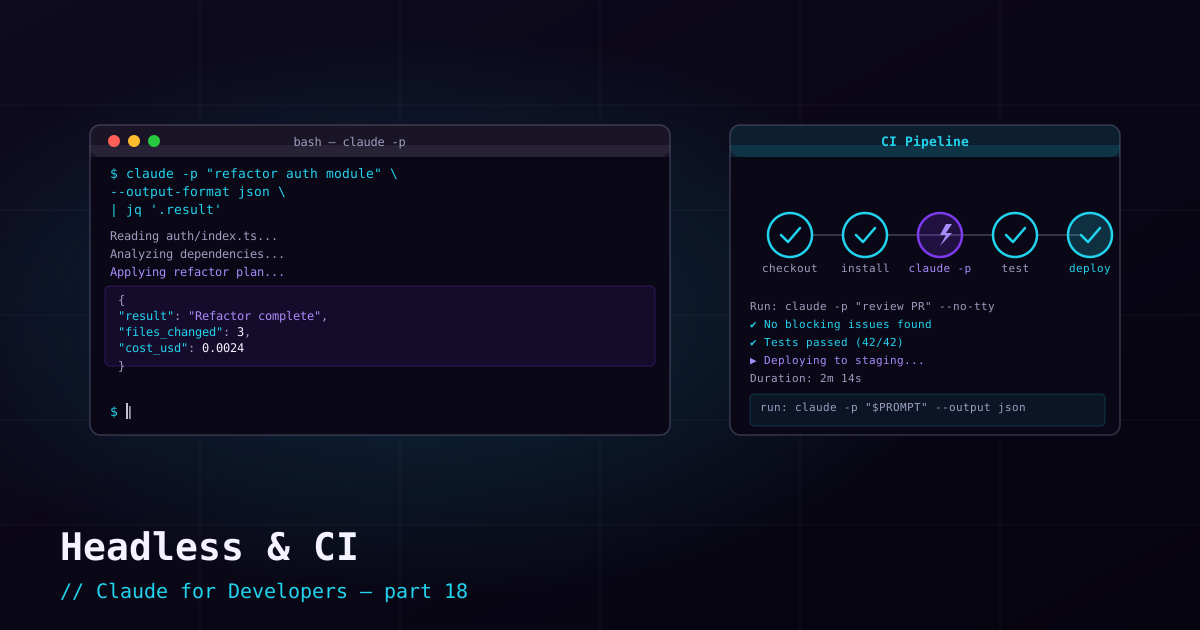
Everything so far has been interactive. But Claude Code can also run headless — non-interactively, taking a prompt and producing output, then exiting. That makes it scriptable: you can call it from shell scripts, Git hooks, and CI pipelines to do things like automated reviews, triage, or content generation.
Print mode: the -p flag#
The core of headless use is the -p (print) flag. It runs a single query and prints the result instead of starting an interactive session:
# Ask once, print the answer, exit
claude -p "summarize what changed in the last commit"

# Pipe input in
git diff | claude -p "review this diff for bugs and missing tests"

# Feed a file
cat error.log | claude -p "what is the root cause of these errors?"
This is the building block for everything else — anywhere you can run a command and capture its output, you can now drop in Claude.
Structured output for scripts#
For automation you often want machine-readable output, not prose. Use the output format flags:
# Full structured result as JSON
claude -p "list the TODO comments in this repo" --output-format json

# Streaming JSON events (one per line) for long-running tasks
claude -p "run the test suite and report failures" --output-format stream-json
JSON output lets a script reliably parse the result — extract a verdict, a list, a status — instead of trying to scrape free text.
Authentication without a browser#
CI machines cannot do a browser login. Two non-interactive paths:
- API key — set
ANTHROPIC_API_KEYin the environment (from a CI secret). Simplest for Console/API billing. - Long-lived token — run
claude setup-tokenonce locally to generate a token, then provide it to CI via the appropriate environment variable. Good for subscription-based auth in automation.
A CI example#
A minimal GitHub Actions step that runs an automated review on a pull request. Install Claude Code, provide the credential as a secret, then call print mode:
jobs:
  ai-review:
    runs-on: ubuntu-latest
    steps:
      - uses: actions/checkout@v4
        with:
          fetch-depth: 0
      - name: Install Claude Code
        run: curl -fsSL https://claude.ai/install.sh | bash
      - name: Review the diff
        env:
          ANTHROPIC_API_KEY: ${{ secrets.ANTHROPIC_API_KEY }}
        run: |
          git diff origin/main...HEAD \
            | claude -p "Review this diff. List likely bugs and missing tests."
From here you can get fancier — post the output as a PR comment, fail the build on certain findings, or generate release notes. The pattern is always the same: install, authenticate from a secret, pipe context into claude -p.
What’s next#
Automating Claude means running it a lot — which makes cost worth understanding. Next: cost, usage, and model selection — how to see what you are spending and pick the right model for the job.