Plugins: Bundling and Sharing Your Setup
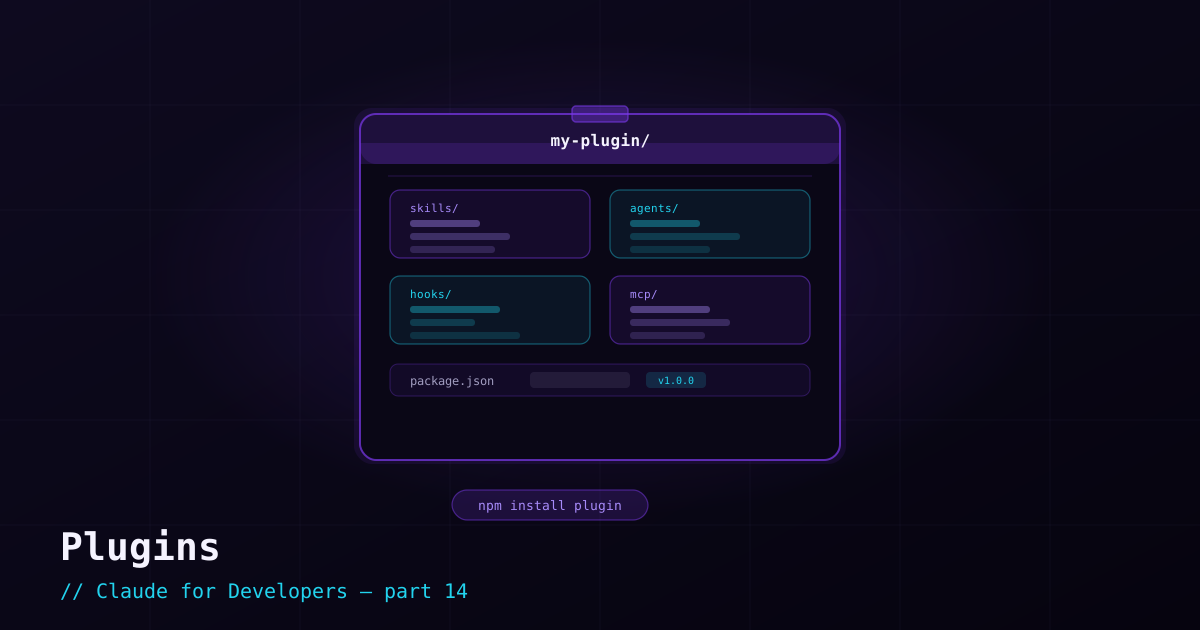
Over the last few posts you have built up reusable pieces: skills, subagents, hooks, MCP connections. A plugin packages those pieces into one installable unit. Instead of copying a skill into every repo and re-adding the same MCP server by hand, you install one plugin and get the whole bundle — consistently, everywhere.
What a plugin can contain#
A single plugin can bundle any mix of:
- Skills — packaged expertise and workflows.
- Subagents — specialized workers.
- Hooks — automation on lifecycle events.
- MCP servers — external tool connections.
- Slash commands — custom triggers.
- Settings — sensible defaults for all of the above.
In other words, a plugin is "our team’s Claude Code setup, as one thing you can install."
Why plugins matter#
- Consistency — everyone on the team gets the same skills, agents, and guardrails. No "works on my machine" for AI workflows.
- Distribution — share your setup with another team, or use someone else’s without reassembling the parts.
- Maintenance — update the plugin once; everyone gets the improvement on their next update.
- No naming clashes — a plugin’s commands and skills are namespaced under the plugin, so they do not collide with yours.
How plugins are structured#
A plugin is a directory with a manifest at .claude-plugin/plugin.json describing it (name, description, version), plus the familiar folders for the things it provides:
my-plugin/
├── .claude-plugin/
│   └── plugin.json        # manifest: name, description, version
├── skills/                # bundled skills
├── agents/                # bundled subagents
├── hooks/                 # bundled hooks
└── .mcp.json              # bundled MCP server definitions
If you have followed the series, every one of those folders should look familiar — a plugin is just a tidy way to ship them together.
Installing and managing plugins#
Plugins are managed with the /plugin command inside Claude Code (install, enable, disable, remove). They are distributed through marketplaces — typically a Git repository that lists available plugins. You add a marketplace, then install plugins from it:
/plugin— open the plugin manager to browse, install, enable, and disable./plugin marketplace add <repo>— add a marketplace (e.g. a team or community Git repo) to install from.enabledPluginsin settings — controls which installed plugins are active, and can be committed so the whole team has the same set on.
When to build your own#
Build a plugin when you find yourself copying the same skills, agents, or hooks between repos, or when you want to standardize how your whole team uses Claude Code. Until then, project-level files (.claude/) are perfectly fine — reach for a plugin when the goal becomes *sharing and reuse* across many projects.
What’s next#
That completes the power features. The series now shifts to real-world workflows — starting with how to use Claude Code effectively alongside Git: commits, reviews, and pull requests done right.