Hooks: Automating Logic Around Claude’s Actions
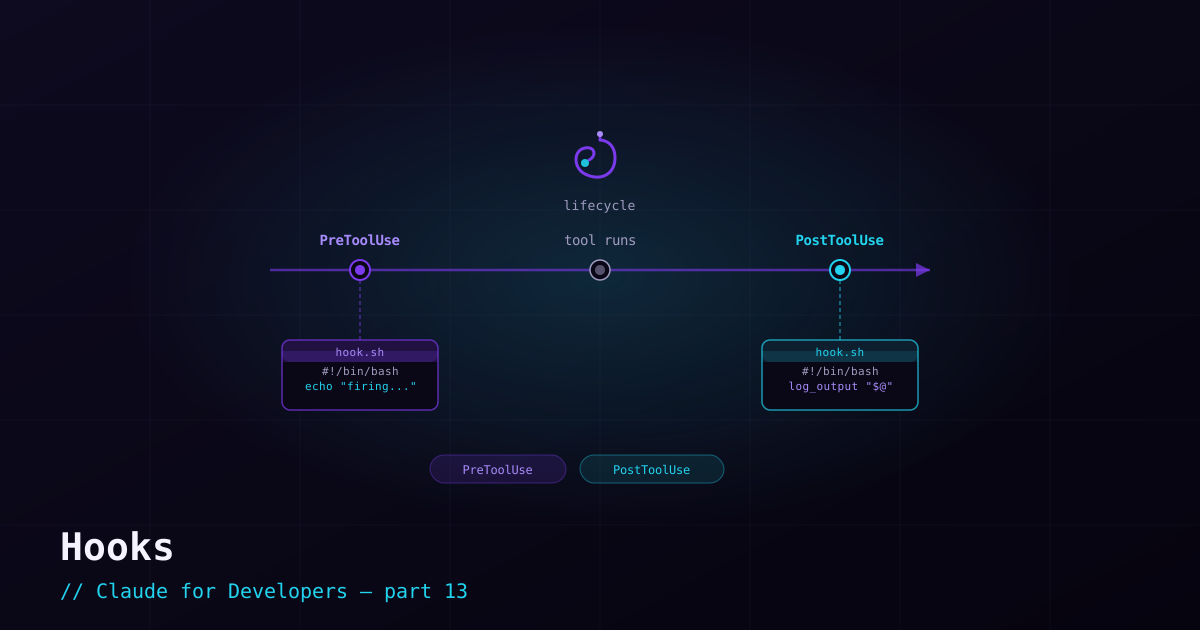
A hook is a script (or other action) that fires automatically when a specific event happens in Claude Code — before a tool runs, after a file is edited, when a session starts, when a task finishes. Hooks turn "I always have to remember to do X" into "X happens automatically." They are how teams enforce guardrails and wire Claude Code into their existing workflow.
What hooks are good for#
- Auto-formatting / linting — run your formatter after every file edit, so Claude’s output always matches your style.
- Guardrails — inspect a command before it runs and block it if it matches a dangerous pattern.
- Notifications — ping you (desktop, Slack) when a long-running task completes or needs input.
- Setup / teardown — load environment or install dependencies when a session starts; clean up when it ends.
- Context injection — feed extra information into the session at the right moment.
The lifecycle events#
Hooks attach to named lifecycle events. The ones you will use most:
- `PreToolUse` — before Claude uses any tool. Can block or modify the action. This is where guardrails live.
- `PostToolUse` — after a tool succeeds. The classic "auto-lint after an edit" spot.
- `UserPromptSubmit` — when you submit a message, before Claude processes it.
- `SessionStart` / `SessionEnd` — at the start and end of a session.
- `Notification` — when Claude Code wants to notify you about something.
- `Stop` — when generation stops (e.g. you interrupt).
How hooks are configured#
Hooks live in your settings.json under a hooks key. Each event maps to a list of hooks, and each hook can use a matcher to fire only for specific tools. Here is a PostToolUse hook that runs the linter after any Edit:
{
  "hooks": {
    "PostToolUse": [
      {
        "matcher": "Edit",
        "hooks": [
          {
            "type": "command",
            "command": "npm run lint:fix"
          }
        ]
      }
    ]
  }
}
And a PreToolUse guardrail that vets bash commands with your own script before they run (the script decides whether to allow or block):
{
  "hooks": {
    "PreToolUse": [
      {
        "matcher": "Bash",
        "hooks": [
          {
            "type": "command",
            "command": "bash .claude/hooks/check-command.sh",
            "timeout": 30
          }
        ]
      }
    ]
  }
}
Beyond running a shell command (type: "command"), hooks can make an HTTP request, ask a prompt, or even spawn a subagent — but a command hook covers the vast majority of needs.
Hooks vs. permissions#
These overlap, so it helps to distinguish them. Permissions (post 5) are declarative allow/deny rules — simple and built-in. Hooks are arbitrary logic you write — use them when a yes/no rule is not enough: when you need to *transform* something, run a *check*, or trigger a *side effect* like formatting or a notification. Reach for permissions first; reach for hooks when you need real logic.
What’s next#
You now have all the building blocks — skills, subagents, MCP servers, hooks. Plugins — next — let you bundle them into a single installable package you can share across projects and teams.