MCP Servers: Connecting Claude to the Outside World
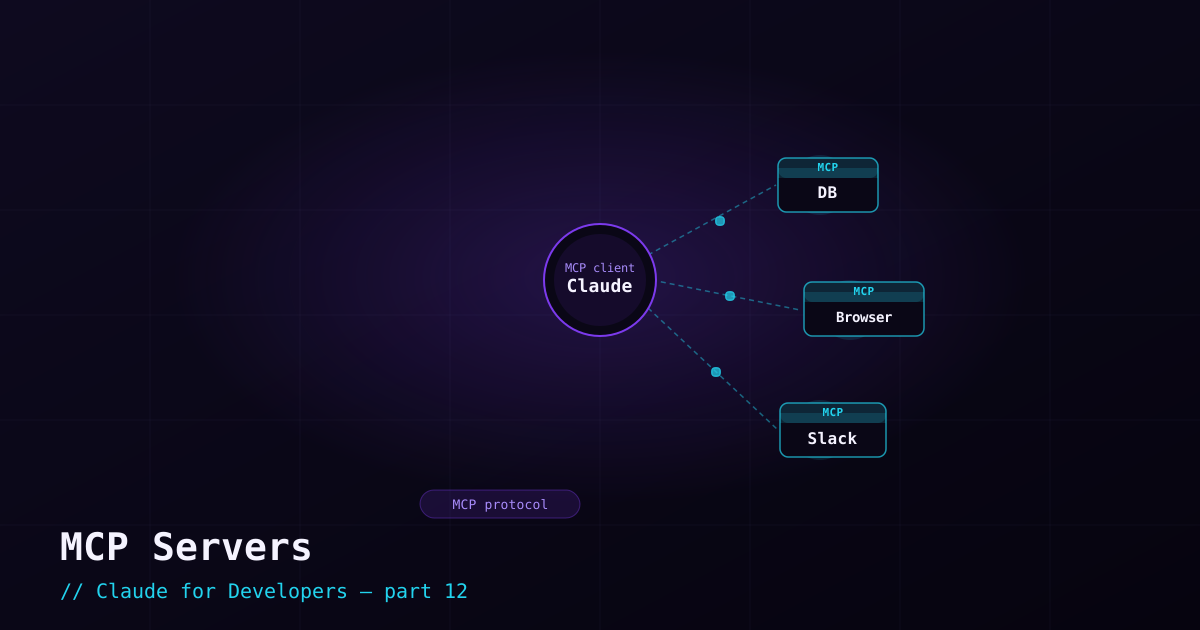
MCP (Model Context Protocol) is an open standard for connecting AI tools to external systems. An MCP server is a small service that exposes some capability — query a database, control a browser, post to Slack, read your Linear issues — and once you connect it, Claude Code can use that capability as naturally as it reads a file. It is the plugin layer between Claude and the rest of your stack.
What this unlocks#
With MCP servers connected, requests like these become possible:
- "Check the failing test against the actual rows in the staging database."
- "Open the app in a browser and tell me if the login button is reachable by keyboard." (via a browser-automation server)
- "Summarize the open issues assigned to me." (via an issue-tracker server)
- "Post the deploy summary to our team channel." (via a chat server)
Claude is no longer limited to your files — it can act on the systems your work actually touches.
Transport types: how Claude reaches a server#
You do not need to understand the protocol deeply, but knowing the transport types helps when you set one up:
- stdio — Claude Code launches the server as a local program (often via
npx). Common for local tools like a browser controller or a database client. - HTTP — the server is a hosted endpoint you connect to by URL. Common for cloud services (issue trackers, SaaS tools).
Adding an MCP server#
You add servers with the claude mcp add command. A local (stdio) example — connecting a browser-automation server:
claude mcp add --transport stdio playwright -- npx -y @playwright/mcp@latestA hosted (HTTP) example, with an auth header:
claude mcp add --transport http my-service https://mcp.example.com \
  --header "Authorization: Bearer YOUR_TOKEN"
Manage what you have connected with claude mcp list (and claude mcp remove <name>). Inside a session, the /mcp command lets you view servers, authenticate, and see the tools they expose.
Authentication and trust#
Many hosted servers use OAuth — running /mcp walks you through signing in, and Claude Code stores the credential securely. Others take a token via a header as shown above.
A note on context#
Servers can expose many tools, which could bloat context. Claude Code is smart about this — it loads tool details on demand rather than dumping every server’s full toolset into every session. In practice you connect what you need and let Claude pull in the specifics when relevant.
What’s next#
MCP connects Claude to external tools. Hooks — next — let you automate your own logic around Claude’s actions: run the linter after every edit, block a dangerous command, notify you when a long task finishes.