Slash Commands: Built-In and Your Own
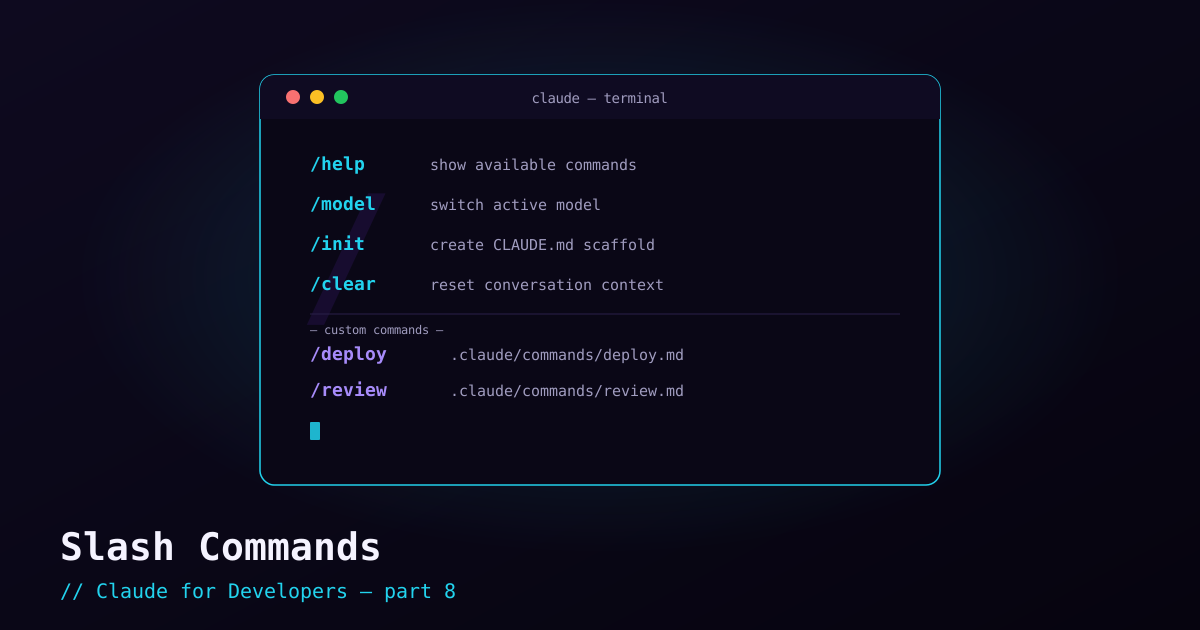
Normal requests to Claude Code are plain English. Slash commands are the exception: typed starting with /, they trigger specific built-in actions or your own custom workflows. They are how you control the session and package repetitive prompts into one-word triggers.
Built-in commands worth memorizing#
There are many built-ins; these are the ones you will reach for constantly. Type /help any time to see the full list.
/help— list every available command and skill./clear— wipe the conversation and start fresh. Use it when switching tasks./context— see what is filling the context window./init— generate a starterCLAUDE.mdfor the project./memory— view and edit your memory files./model— switch the model (e.g. to a faster/cheaper one, or a more capable one)./permissions— view and edit allow/deny rules./config— view and change settings./status— show your auth method and current model./loginand/logout— switch accounts or sign out.
Custom slash commands#
The real power: you can define your own commands for prompts you run over and over. A custom command is just a Markdown file whose contents become the prompt when you invoke it. Drop a file in the project’s .claude/commands/ directory and its name becomes the command.
For example, create .claude/commands/review.md:
Review the current staged changes for:
- Bugs and edge cases
- Missing tests
- Naming and readability
- Accessibility issues in any UI code

Report findings grouped by severity. Do not change any code.
Now typing /review in that project runs exactly that prompt. You have turned a paragraph you would otherwise retype into a one-word command — and because it lives in the repo, your whole team gets it too.
Passing arguments#
Custom commands can accept input. Use the $ARGUMENTS placeholder in the file, and whatever you type after the command name gets substituted in:
Explain how $ARGUMENTS works in this codebase.
Point to the specific files and functions involved, and describe the flow step by step.
Then /explain the login flow runs the prompt with "the login flow" dropped into $ARGUMENTS. One template, infinitely reusable.
When to use a command vs. just asking#
Use a plain English request for one-off tasks. Promote it to a custom command when you find yourself typing the same instructions repeatedly, or when you want a consistent, repeatable workflow (a review checklist, a release prep routine, a standard refactor prompt). If a command grows into a richer, multi-step capability, that is the doorway to skills — the next topic.
What’s next#
Before we get to skills, a quick but important detour: settings and configuration — the settings.json files that control Claude Code’s behavior, and the handful of settings beginners actually change.