Claude Code Memory, Part 1: CLAUDE.md
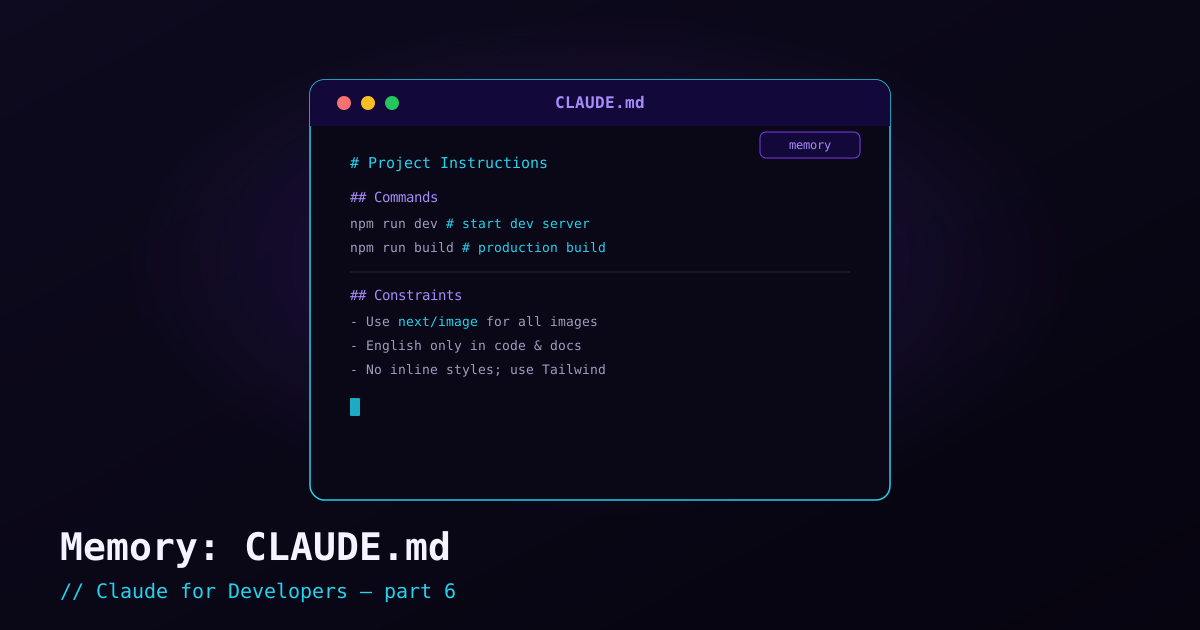
By default, every Claude Code session starts fresh — it knows nothing about your project’s conventions until it reads the files. Memory fixes that. The core mechanism is a plain Markdown file named CLAUDE.md that Claude reads automatically at the start of every session. Whatever you put in it becomes standing instructions: build commands, conventions, "always do X," "never do Y."
What CLAUDE.md is for#
Think of CLAUDE.md as the onboarding doc you would hand a new teammate — except Claude actually reads all of it, every time. Good things to put in it:
- How to run things — the dev server, tests, linter, build, type-check commands.
- Conventions — code style, naming, folder structure, framework choices.
- Rules — "use the existing UI components," "no inline styles," "write tests for new logic."
- Context the code does not show — why a decision was made, what is off-limits, who the project is for.
The payoff is compounding: write a convention once, and Claude follows it in every future session instead of you re-explaining it each time.
Generate one automatically with /init#
You do not have to write it from scratch. Inside Claude Code, run:
/initClaude analyzes your codebase — languages, frameworks, scripts, structure — and writes a starter CLAUDE.md at the root of your project. It is a great first draft. Read it, fix anything it got wrong, and add the things only you know.
Where it lives#
For a project, CLAUDE.md sits at the repository root (committed to Git so your whole team shares it). A minimal example:
# Project: Acme Dashboard

## Commands
- Dev server: `npm run dev`
- Tests: `npm test`
- Lint: `npm run lint`
- Type-check: `npm run typecheck`

## Conventions
- TypeScript strict mode; no `any`.
- Components in `src/components`, one folder each.
- Styling via Tailwind utilities; no inline styles.

## Rules
- Always run the linter before considering a task done.
- Reuse existing UI primitives in `src/components/ui` before writing new ones.
Because it is committed, everyone on the team gets the same baseline behavior from Claude Code — a shared, version-controlled definition of "how we work here."
How to write instructions that actually work#
- Be specific and concrete. "Use 2-space indentation" beats "format nicely."
- Keep it focused. A tight, high-signal file works better than an exhaustive one. Put the rules that matter, not everything imaginable.
- State the why when it helps. "We avoid library X because it bloats the bundle" guides better decisions than a bare prohibition.
- Treat it as living. When Claude does something you keep correcting, that correction belongs in
CLAUDE.mdso you never have to say it again.
Editing memory quickly#
You can open and edit your memory files from inside a session with the /memory command — handy for jotting down a new rule the moment you think of it, without leaving Claude Code.
What’s next#
One CLAUDE.md at the project root covers most needs. But there are several places memory can live — personal vs. team, global vs. project — and they layer in a specific order. The next post untangles memory scopes and precedence, the thing beginners most often trip over.